
Agent Mode
Combine Code Mode with auto-execution
When you connect many MCP servers (8-10 servers, 150+ tools), every request would otherwise carry all those tool definitions in the model’s context - burning most of the budget on reading tool catalogs.
Code Mode keeps the context compact: instead of exposing every tool definition, the model discovers tools on demand and writes a short script that orchestrates them in a single request. On a typical multi-step workflow across ~5 servers you can expect roughly 50% lower token cost and 30-40% faster execution.
Enable Code Mode if you have:
Keep Classic MCP if you have:
You can mix both: Enable Code Mode for “heavy” servers (web, documents, databases) and keep small utilities as direct tools.
Code Mode must be enabled per MCP client. Once enabled, that client’s tools are discovered on demand and orchestrated through generated code rather than exposed directly.
Best practice: Enable Code Mode for 3+ servers or any “heavy” server (web search, documents, databases).
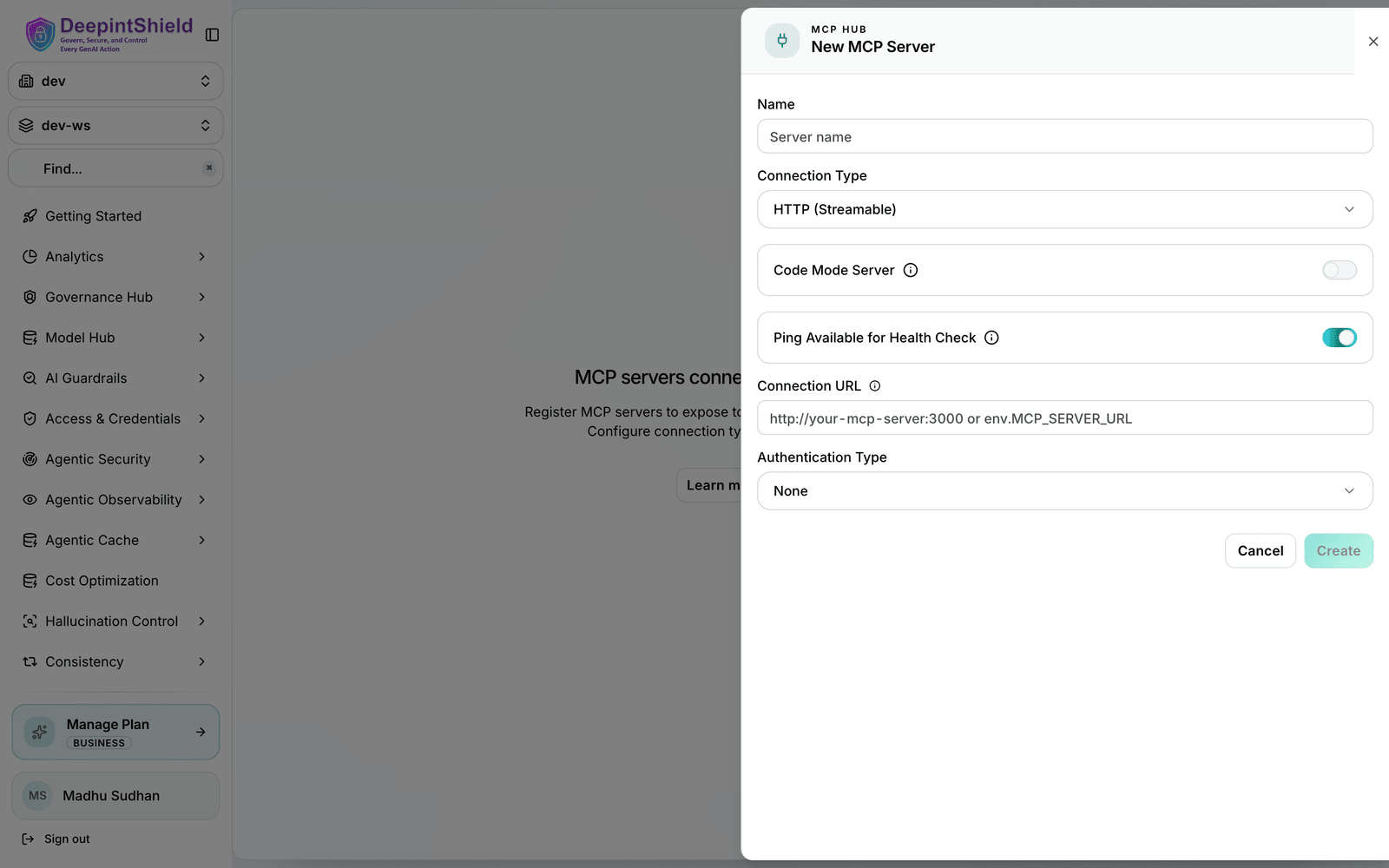
Once enabled, this client’s tools are no longer exposed directly. Instead, the model discovers them on demand and orchestrates them by writing a short script, keeping the request context compact.
Code Mode supports two binding levels that control how the model discovers tool definitions. This is a global setting that affects context efficiency, not how you call tools.
Tool definitions are grouped per server. Best for servers with few tools, or when you want simpler discovery (5-20 tools per server).
Each tool’s definition is loaded individually. Best for servers with many tools (30+ per server) or large/complex schemas, where you want minimal context bloat.
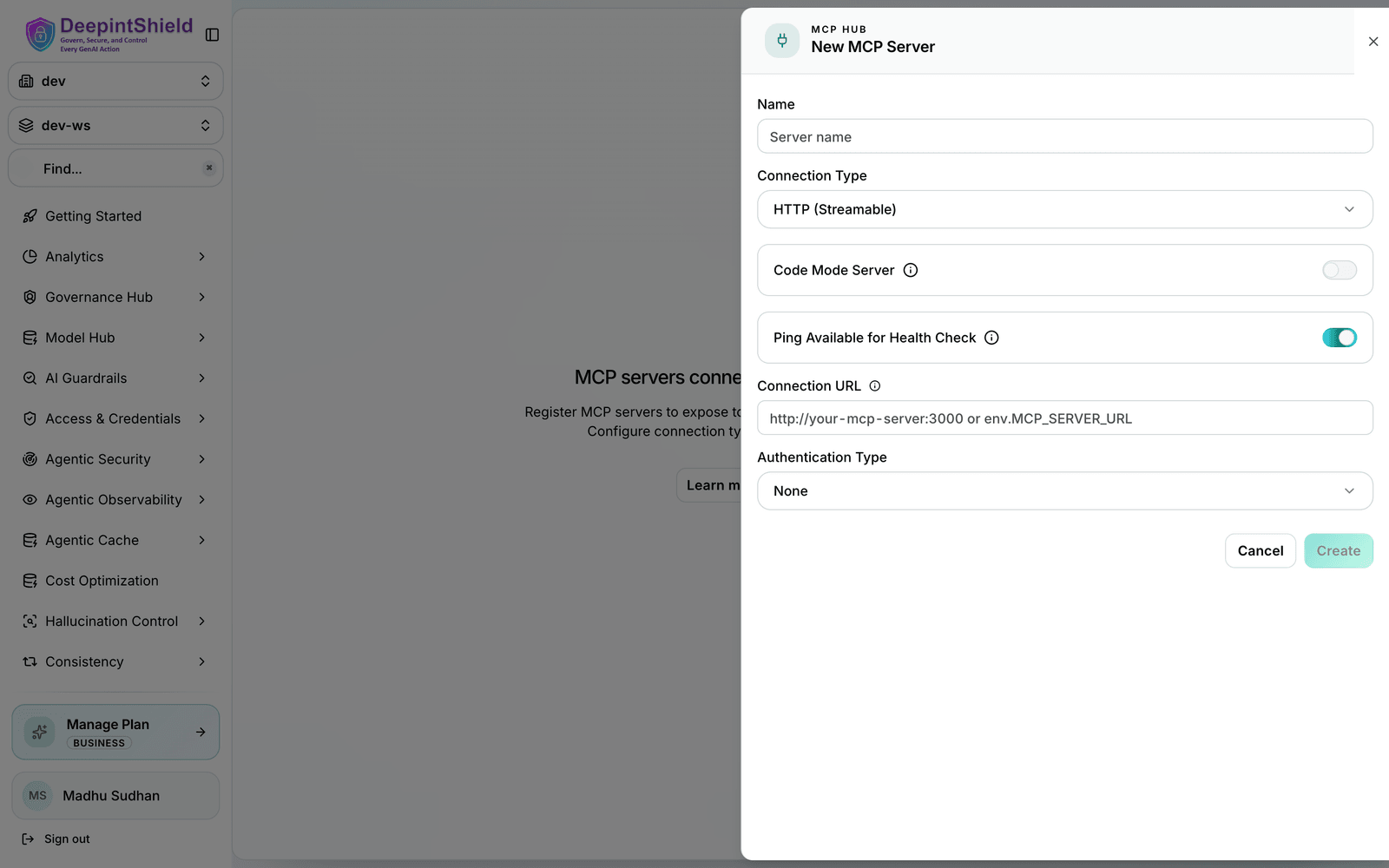
Binding level is managed from the MCP Gateway settings in the Web UI, and can be viewed in the MCP configuration overview:
When you run Code Mode under Agent Mode, generated code auto-executes only if every tool it calls is listed in tools_to_auto_execute for its server - if the code touches any tool you have not allow-listed, the whole request is paused and returned to your app for approval.
To control this, set tools_to_auto_execute to exactly the tools you are comfortable running without review. In the example below, code that only calls search runs automatically, while code that calls delete_video is held for approval:
Example:
{ "name": "youtube", "tools_to_execute": ["*"], "tools_to_auto_execute": ["search"], "is_code_mode_client": true}For a workflow spanning ~10 servers and 150 tools (e.g. “find matching products, check inventory, compare prices, get a shipping estimate, create a quote”), switching from classic MCP to Code Mode typically takes a request from 8-10 model turns down to 3-4, and from thousands of tool-definition tokens per turn down to a few hundred - translating to roughly half the cost and half the latency. Actual numbers depend on your servers and prompts.