
Required Headers
Overview
Section titled “Overview”Required headers let you enforce that specific HTTP headers are present on every LLM and MCP request passing through DeepIntShield. If a request is missing any required header, DeepIntShield rejects it with a 400 Bad Request error before it reaches the provider.
This is useful for:
- Tenant isolation - Require
X-Tenant-IDto identify the calling tenant - Audit trails - Require
X-Correlation-IDfor request tracing across services - Custom routing metadata - Require headers your infrastructure depends on
Header matching is case-insensitive - configuring X-Tenant-ID will match x-tenant-id, X-TENANT-ID, or any other casing.
What it does
Section titled “What it does”Once you configure required headers, any request missing one of them is rejected with a 400 status before it reaches the provider. The error response lists exactly which headers were missing, so callers can fix their requests:
{ "error": { "message": "missing required headers: x-tenant-id, x-correlation-id", "type": "missing_required_headers" }}Configuration
Section titled “Configuration”- Navigate to Config > Security Settings
- Ensure Governance is enabled (the required headers section only appears when governance is active)
- Scroll to Required Headers
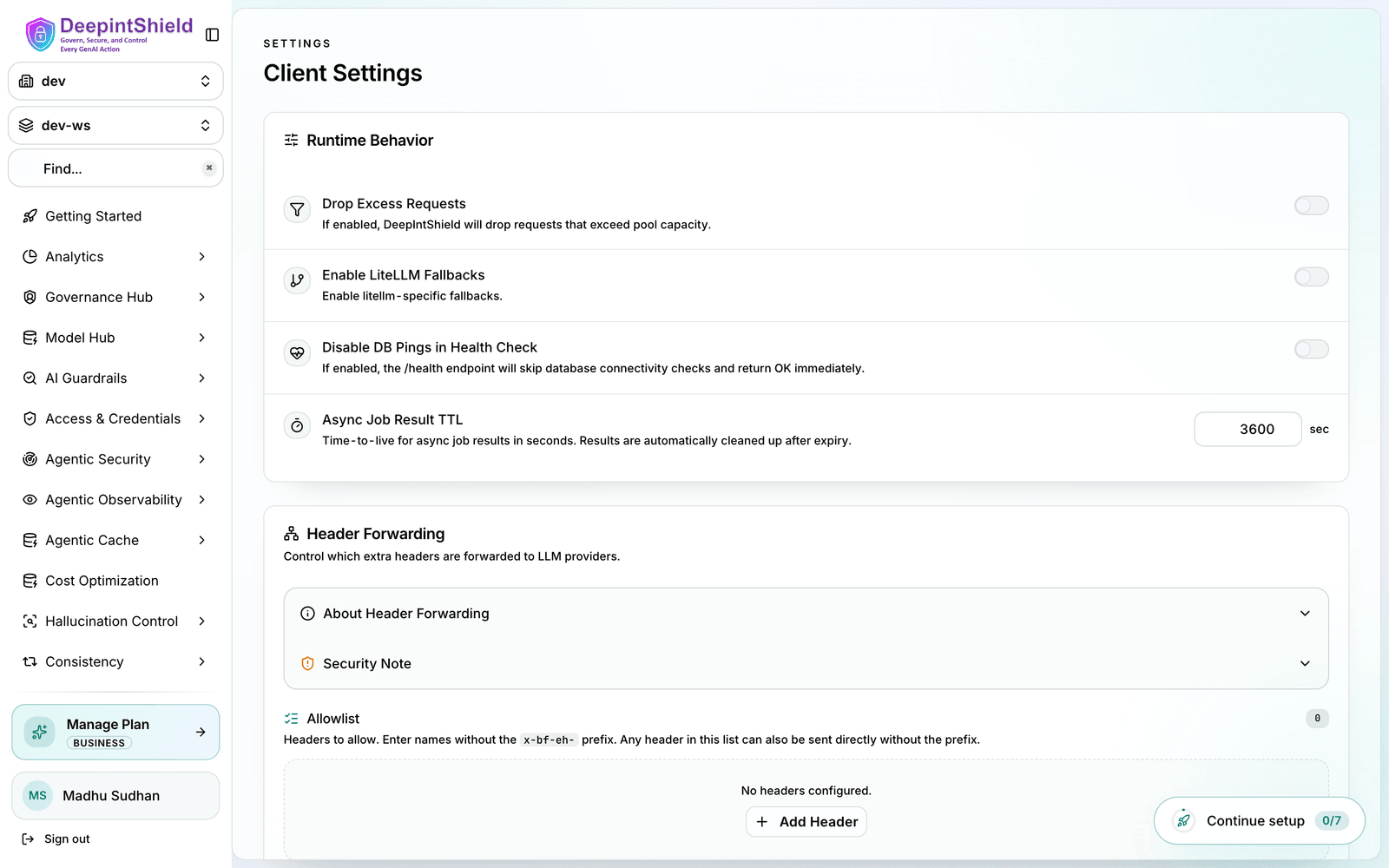
- Enter a comma-separated list of header names (e.g.,
X-Tenant-ID, X-Correlation-ID) - Click Save Changes
Changes take effect immediately - no restart required. To clear required headers, remove all header names from the field and save.
Examples
Section titled “Examples”Requiring a tenant header
Section titled “Requiring a tenant header”In the Web UI, set a single required header - X-Tenant-ID - to enforce tenant identification. Then every request must carry that header:
Valid request:
curl https://app.deepintshield.com/v1/chat/completions \ -H "Content-Type: application/json" \ -H "Authorization: Bearer sk-bf-your-virtual-key" \ -H "X-Tenant-ID: tenant-123" \ -d '{"model": "gpt-4o", "messages": [{"role": "user", "content": "Hello"}]}'Rejected request (missing header):
curl https://app.deepintshield.com/v1/chat/completions \ -H "Content-Type: application/json" \ -H "Authorization: Bearer sk-bf-your-virtual-key" \ -d '{"model": "gpt-4o", "messages": [{"role": "user", "content": "Hello"}]}'# → 400: missing required headers: x-tenant-idCombining with virtual keys
Section titled “Combining with virtual keys”Required headers work alongside virtual key enforcement. When you enable Enforce Virtual Keys and add X-Tenant-ID to the required headers, DeepIntShield checks required headers first, then validates the virtual key. A request must include both the virtual key header and X-Tenant-ID to pass governance.
Next steps
Section titled “Next steps”- Virtual Keys - Set up access control with virtual keys
- Budget and Limits - Configure budgets and rate limits
- Routing - Route requests based on headers and other criteria