
Adaptive Load Balancing
What it does
Section titled “What it does”Adaptive Load Balancing automatically shifts traffic toward the providers and API keys that are performing best right now, and away from those that are erroring or slow - without you adjusting weights by hand. It reacts to live error rates and latency, removes failing keys from rotation, and brings them back once they recover, so your traffic keeps flowing through the healthiest routes.
| Feature | What you get |
|---|---|
| Dynamic weight adjustment | Traffic re-balances automatically as provider/key performance changes - no manual tuning |
| Automatic failover & recovery | Poorly performing keys are pulled from rotation and restored once they recover |
| Fast recovery | A route that starts succeeding again quickly regains its share of traffic |
| Live dashboard | Per-route weight, error rate, latency, and state are visible in real time |
What drives the routing
Section titled “What drives the routing”You don’t tune any of these - they are observed automatically from your live traffic. Knowing what the system reacts to helps you read the dashboard:
| Signal | Effect on your traffic |
|---|---|
| Error rate | The biggest factor - routes returning more errors receive proportionally less traffic. |
| Latency | Routes responding abnormally slowly are de-prioritized (large requests aren’t unfairly penalized). |
| Utilization | Prevents any single high-performing route from being overloaded. |
| Recovery momentum | A route that has started succeeding again is rewarded so it regains traffic quickly. |
To get more traffic onto a specific route, fix its underlying error rate or latency - the system will shift traffic back automatically once it sees the route succeeding again.
Monitoring routing in the dashboard
Section titled “Monitoring routing in the dashboard”The dashboard is where you observe and verify adaptive load balancing in action. Use it to:
- See the current weight distribution across providers and keys.
- Watch per-route error rate and latency to spot a degrading provider before it causes failures.
- Track each route’s state (Healthy, Degraded, Failed, Recovering) and when it transitions.
- Compare actual vs expected traffic per route to confirm traffic is moving where you expect.
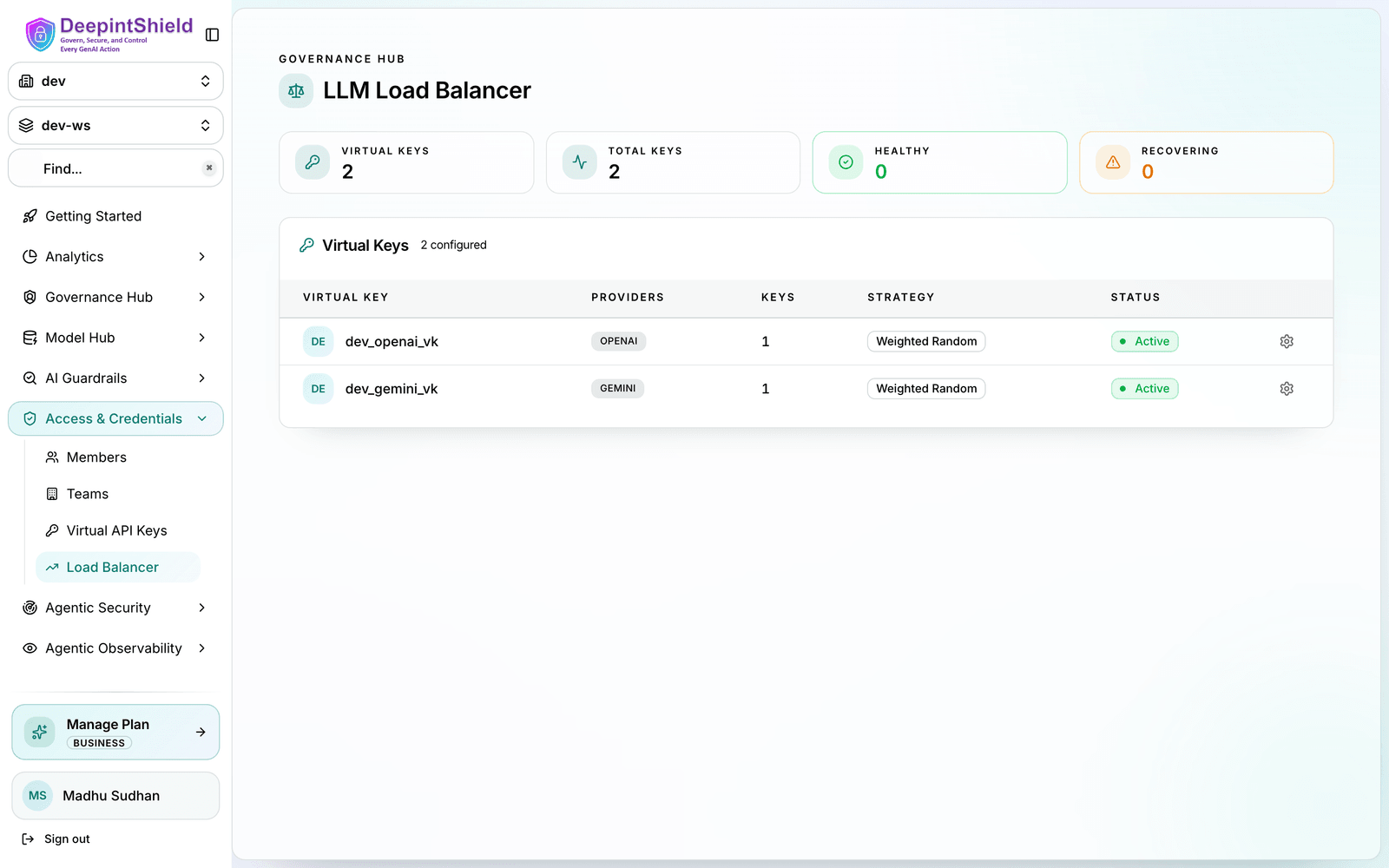
A route that flips to Degraded or Failed (for example, after a provider rate limit) is pulled from rotation automatically and returns to Healthy once it sustains low error rates - no action required from you.
Next Steps
Section titled “Next Steps”- Enable Adaptive Load Balancing - Contact your DeepIntShield Enterprise representative to enable adaptive load balancing for your deployment.
- Monitor your routes - Use the dashboard to watch weight distribution, error rates, and state transitions in real time.
- Provider Routing Guide - See how adaptive load balancing combines with governance routing and the Model Catalog.